"Build a mobile app just by describing it.” That is the pitch, and on the surface it is irresistible. Just type a sentence and watch an app appear.
For some projects, that promise holds up beautifully. For others, it quietly falls apart the moment things get serious.
We spent real time inside Bolt.new, building an actual app from a single prompt. This article is the honest version of what we found: the good, the genuinely impressive, and the parts where you will want a real developer in the room.
Let’s break it down.
What Is Bolt.new?
Bolt.new is an AI-powered app builder from StackBlitz. You describe what you want in plain language, and an AI coding agent writes the frontend, wires up the backend, installs packages, and gives you a live preview.
Under the hood it runs on WebContainers, a micro virtual machine that runs Node.js directly inside Chrome. That single architectural fact explains almost everything Bolt is great at, and almost everything it cannot do.
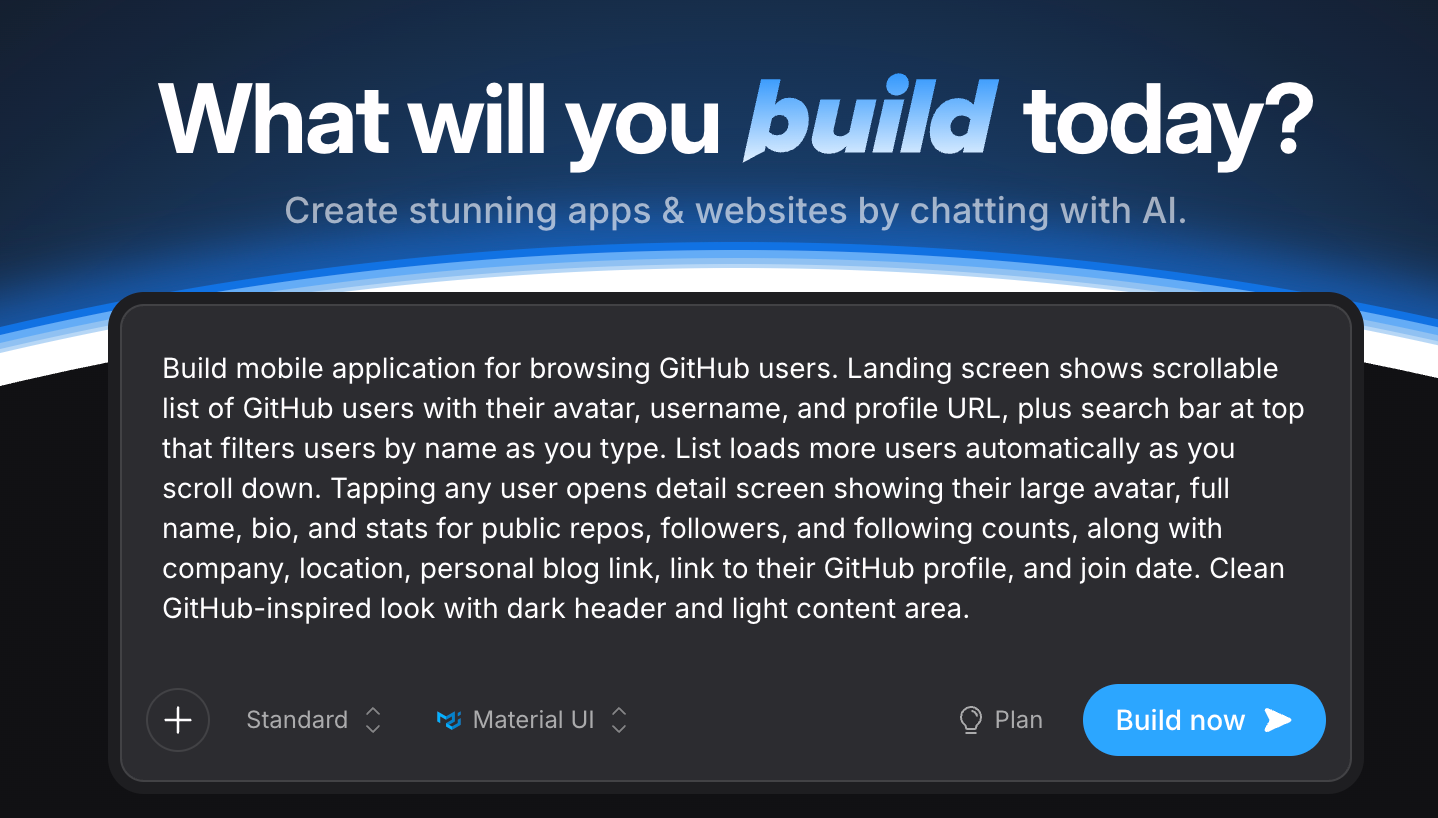
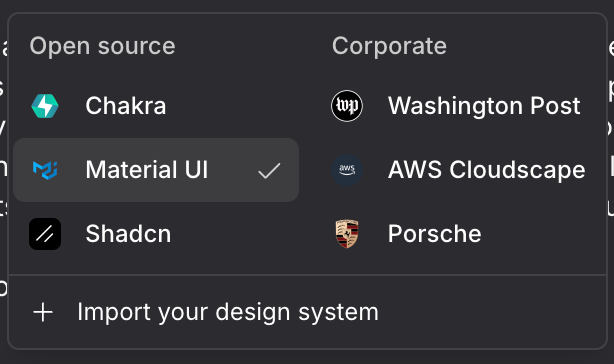
The starting point is disarmingly simple: one text box. Bolt can apply a design system out of the box: Material UI, Chakra, Shadcn, or even corporate systems like the Washington Post and Porsche, so the result looks intentional rather than thrown together.
On paper, the capability list is broad: web apps, full-stack apps, Figma and GitHub imports, one-click hosting, databases, authentication, and, the headline feature for us, mobile apps via Expo and React Native.
The Real Build: Speed Is Real, Quality Is Not
Let’s talk about what actually happened when we built our GitHub user browser.
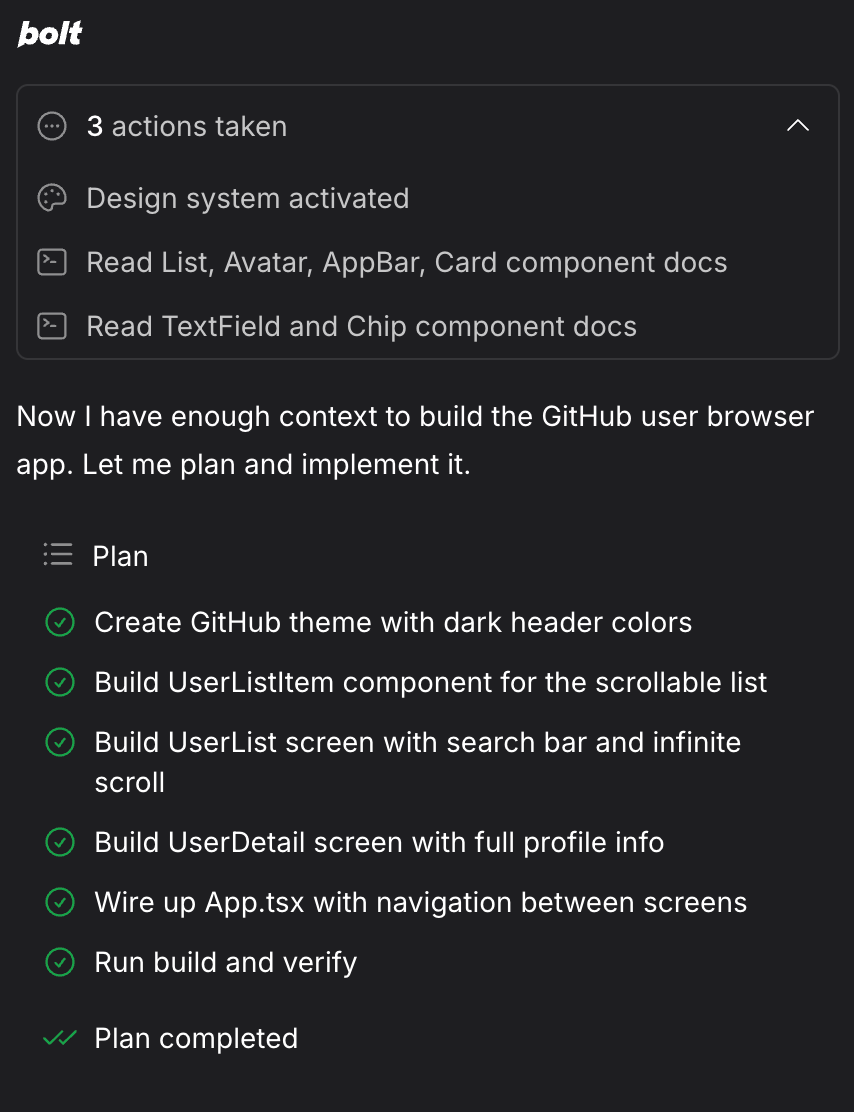
The speed is no exaggeration. Within about ten minutes, Bolt had read the relevant component docs, drawn up a plan, and worked through it step by step: theme, list item, list screen with search and infinite scroll, detail screen, navigation, build, and verify.
Our prompt explicitly asked for a search bar that filters users as you type. What we got was a search that returned nothing for a perfectly valid query, and then, on slightly different input, it worked. The behaviour was inconsistent and fragile.
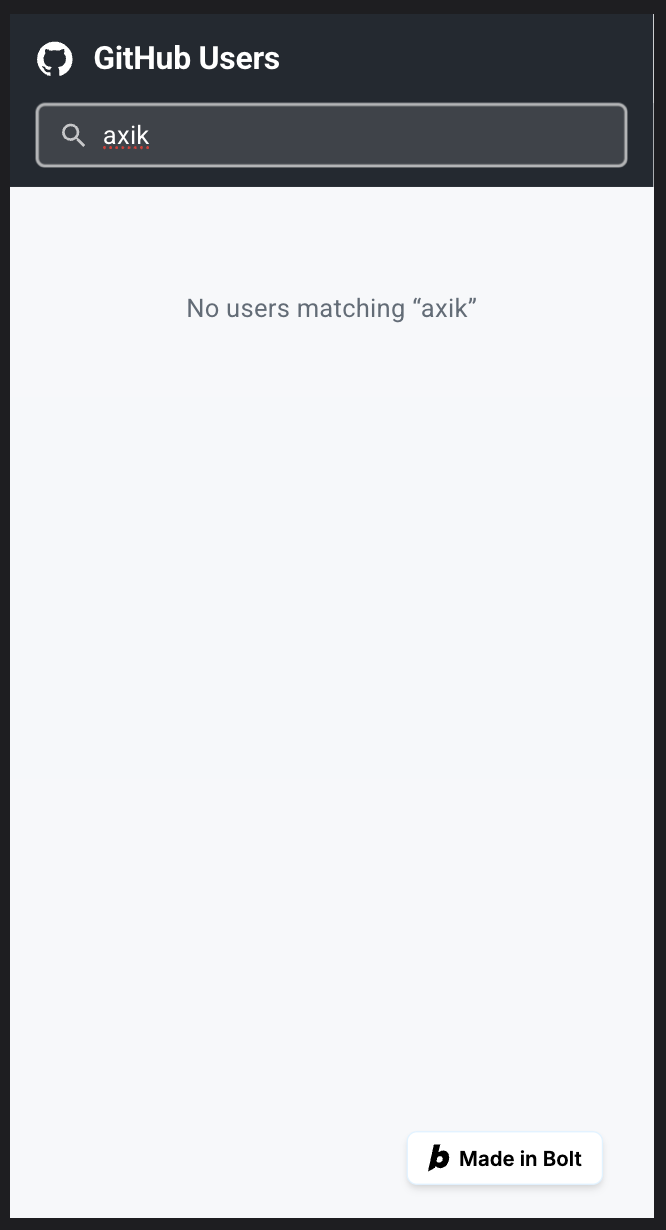
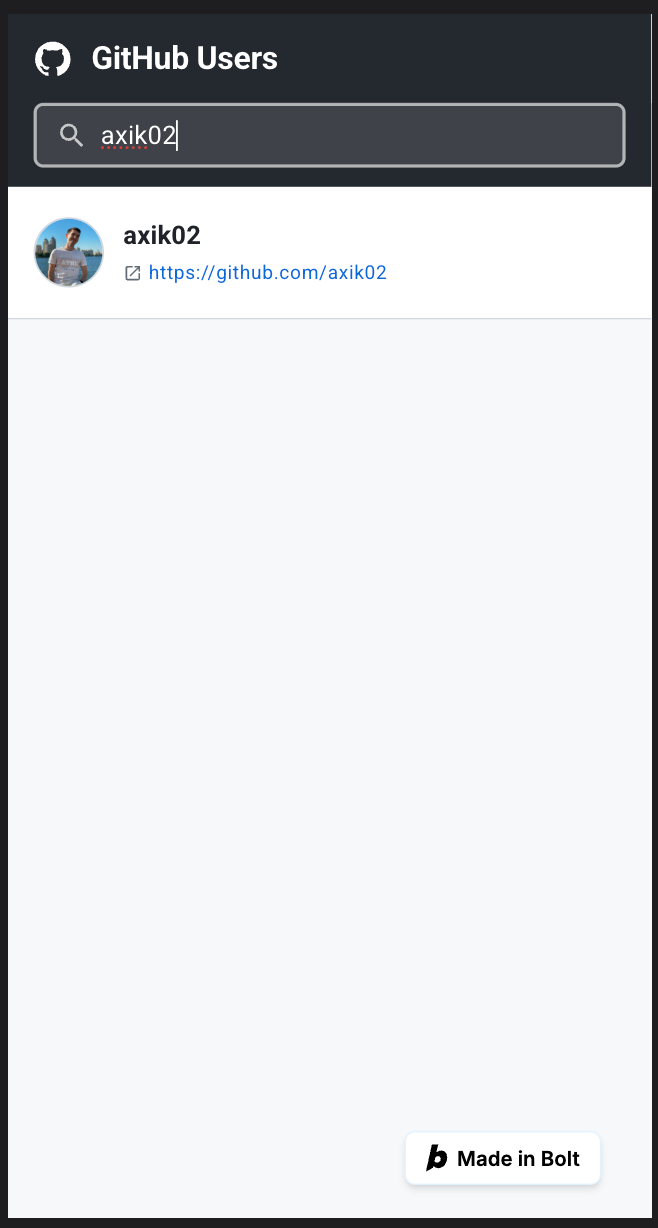
Typing “axik” returns “No users matching” — even though that user exists.After another prompt it “works” — but the moment a user enters an invalid value, search breaks and never recovers without a reload.
This is the classic Bolt experience: it looks finished, demos well, and then the edges fall off the moment a real user does something unexpected. So we opened the code to see why.
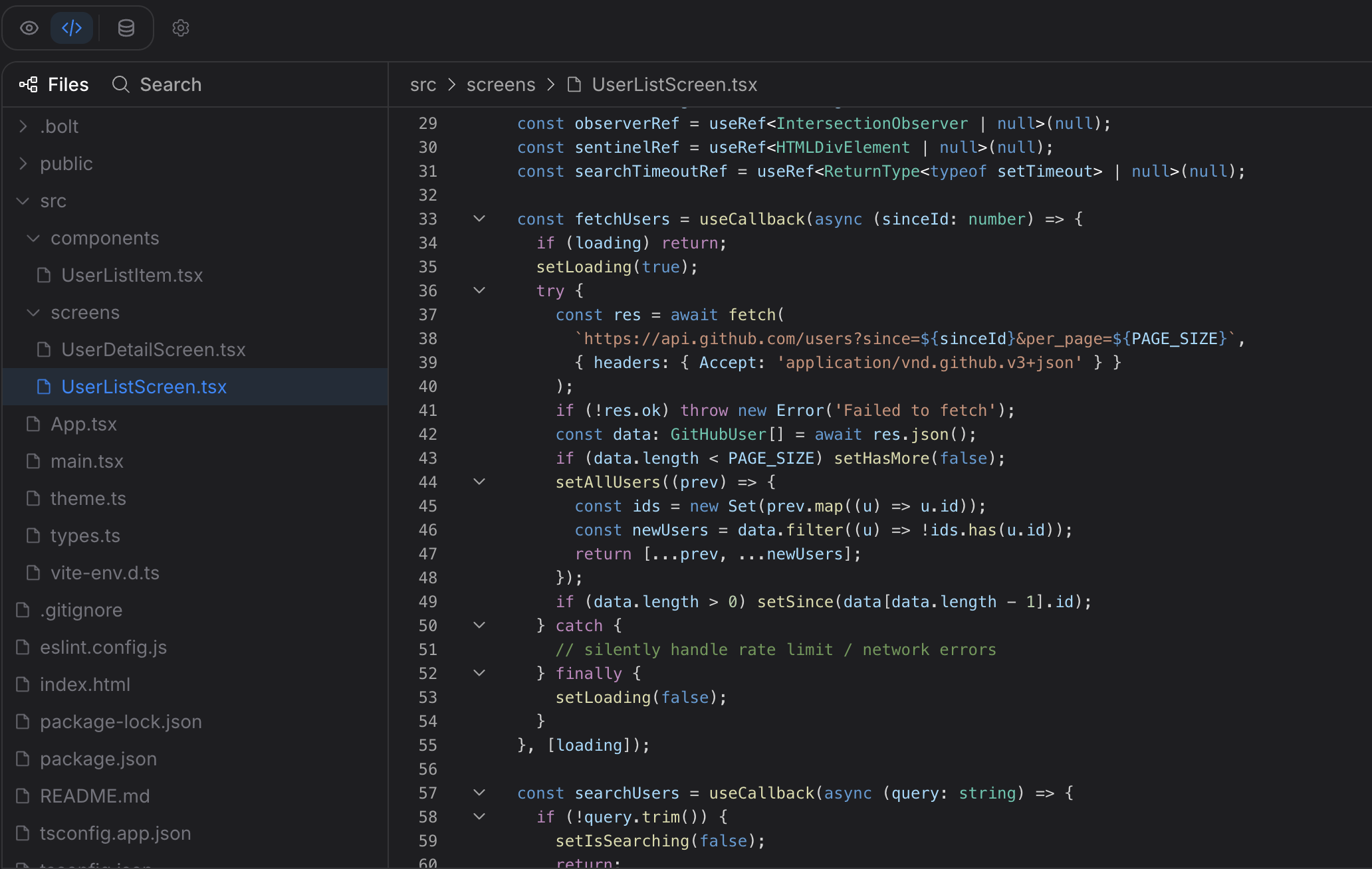
That single empty catch block explains the whole broken-search experience. A human developer would surface that error, retry, or at minimum show the user what went wrong. The AI chose silence, because silence makes the happy-path demo look clean.
None of this means the code is worthless. The structure is readable, the TypeScript is mostly sane, and as a starting point it saves real time. But “readable starting point” and “production-ready business app” are very different things.
Exporting the Project: Hand-Off or Start Over?
Good news first: you are not locked in. Bolt lets you export the full source as a ZIP, or push straight to GitHub. You own the code.
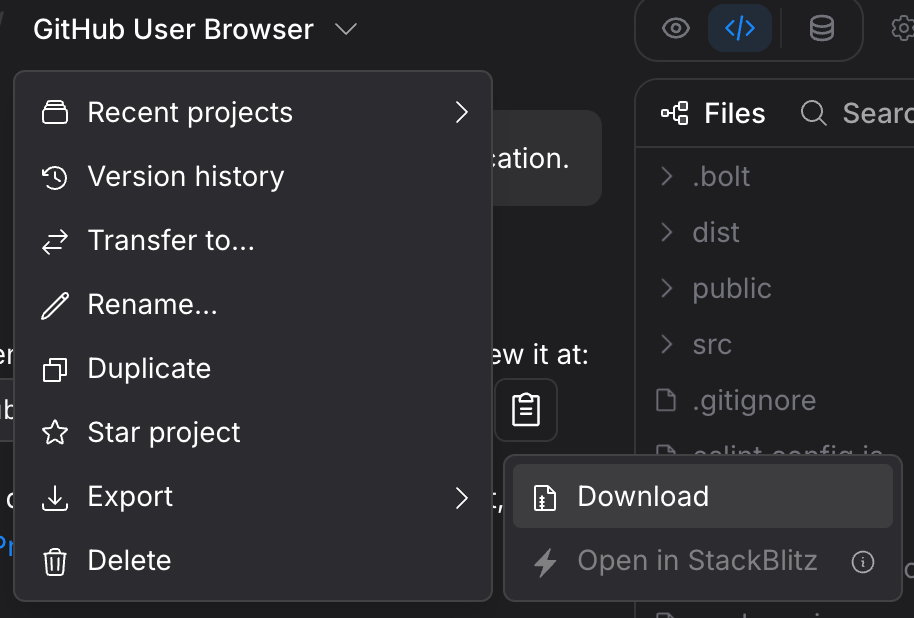
So the tempting plan is obvious: prototype in Bolt, export, hand it to developers, let them “just finish it.” Sometimes that works. Often it doesn’t, and the reason is in the details.
Remember our build was a web app (Vite + React + MUI), even though we asked for mobile. Turning that into an actual React Native mobile app isn’t a tweak, it’s a rewrite. MUI is web-only. Every DOM element has to become a React Native primitive. CSS becomes StyleSheet. There is no window, no document, no localStorage.
From a developer’s chair, receiving a Bolt codebase is often harder than starting fresh. The architecture is arbitrary (the AI picked it, not a person), patterns are inconsistent, and you spend hours asking “why was this done this way?” only to learn the answer is “no reason.” Undoing decisions takes time you could have spent building correctly the first time.
Profitability & the Bottom Line
If you need to validate an idea, raise a conversation, win a stakeholder, or simply see your concept breathing on a screen this afternoon, Bolt is excellent, and a few hundred dollars is money well spent. As a prototyping and communication tool, it is one of the most effective things on the market.
We scoped that migration properly:
| Phase | Effort | What's involved |
|---|---|---|
| Expo scaffold + dependencies | 1–2h | New project, navigation, icons, safe-area |
| Rewrite list screen | 4–6h | FlatList, debounced search, real error handling |
| Rewrite detail screen | 3–5h | ScrollView, native links, icon mapping |
| Theme + fonts migration | 1.5h | MUI palette → RN theme |
| Loading / error / pull-to-refresh | 1–2h | Idiomatic RN patterns |
| iOS + Android QA | 2–3h | Safe area, keyboard, scroll performance |
| Assets, config, bug-fix buffer | 4–6h | Layout drift, platform quirks |
| Proper architecture layer (SOLID, lite) | +8–10h | Domain types, repositories, service hooks, DI |
| Total to reach a clean, maintainable RN app | ~32–50h | ≈ 4–6 working days, even with AI assistance |
If the app handles money, personal data, or multi-user coordination, if it needs maps, CarPlay, widgets, dependable notifications, or any real native capability, if it’s core to your business rather than a quick experiment, then prompt-driven generation is the wrong foundation. You want engineers who will build it correctly, securely, and in a way you can grow for years.